 Scaley
How to Manage Google Ads with AI and Keep the Final Say
Yes, you can manage Google Ads with AI. The safe way: let the AI read first, then approve each change yourself. Start with screenshots in a chat, then an AI that reads your live account, then one that acts only after your yes. Scaley, which we build, works that way, using notes from 400+ ZenoX Media store accounts.
 Written and reviewed by Christopher Krassnig
The Four Rungs of AI Google Ads Management
Almost every AI tool for Google Ads sits on one of these four rungs.
Most stores should start on rung 2. Climb one rung at a time.
| Rung | What the AI sees | Can it change your account? | Who says yes | Where you get it |
|---|---|---|---|---|
| 1. Paste screenshots into a chat | Only what you upload: screenshots, CSVs, reports | No. Nothing is connected | You make every change by hand | Scaley Consultant, or a free chat AI |
| 2. Connect an AI that reads and answers | Your live campaigns, products and search terms | No. Read-only | You make every change by hand | Scaley Media Buyer |
| 3. An AI that asks before each change | Your live account | Yes, one change at a time | You, on every single change | Scaley Suite |
| 4. Google's own AI | Your account plus Google's auction signals | Yes, on its own, all day | Nobody approves each move. You set the goal and budget | Google: Smart Bidding, Performance Max, AI Max |
Rung 1 is where a free chat lives too. It works, but it only knows what you paste in. No live data, no account history. Here is how to use ChatGPT for Google Ads and what it misses. Prefer Claude? Read how to use Claude for Google Ads.
Wire up a model yourself with Google's MCP server and you sit between rung 2 and 3. It reads everything. Since version 0.0.6 it writes only assets and labels, each after a confirm. More in our Google Ads MCP guide.
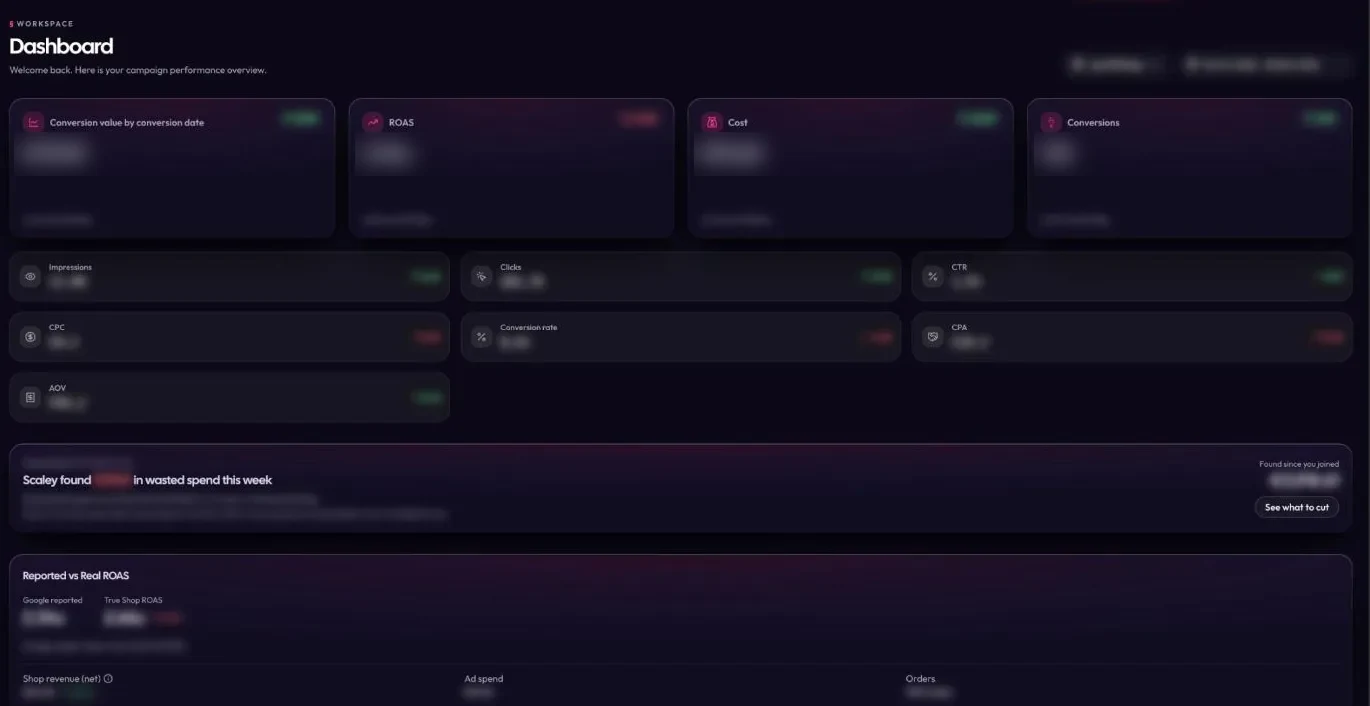
Rung 3 is where the AI starts doing the work, not just the reading. It finds the fix, writes it up as one change, and waits. Nothing goes live until you say yes to that one change. That is Scaley Suite. Its dashboard also shows how much Scaley found in wasted spend this week.
Rung 4 is probably in your account already if you use a Smart Bidding strategy or Performance Max. Google calls Smart Bidding "bidding strategies that use Google AI to optimize for conversions or conversion value". Read what AI Max changes in Search and what Google's built-in AI does. Google also puts Gemini inside Google Ads. See how to use Gemini in Google Ads.
Other tools sell AI for Google Ads too. Here is the best AI for Google Ads, ranked by what it can touch. Before you pick one, see how Scaley compares with Ryze AI. Some tools sell a Google Ads AI agent that acts on its own, with nobody saying yes. Find out which rung it sits on before you connect it.
What to Hand Over to AI and What to Keep
Most guides list tools. I would rather list jobs. Each job in a Google Ads account has a right owner, and it is not always the AI.
My rule: AI can read it all, but it only changes what I can check in one look.
| Job | What AI does well | What you keep | Who should touch it |
|---|---|---|---|
| Search terms | Reads thousands of rows in seconds. Flags the terms that spent and never sold | The call on terms that look bad but bring buyers later | AI reads. You decide |
| Negative keywords | Suggests the cuts, with the spend behind each one | A yes on every negative, so you never block a term that sells | AI suggests. You approve each one |
| Budgets | Shows where money should move and why | The total you can afford to spend this month | AI suggests. You approve each move |
| Bids | Google's Smart Bidding sets a bid for every single auction. No person can do that | The target: ROAS or cost per sale | Google's AI bids. You set the target |
| Product feed | Spots products that spend and never sell. A chat AI can draft titles | What your products are really called and what they really cost | AI drafts and sorts. You check before it goes live |
| Ad copy and images | Drafts headlines fast. Gives you a batch to pick from | Your brand voice and the final pick | AI drafts. You pick |
| Conversion tracking | Spots it when you ask - for example sales in the account dropping to zero | The setup. If tracking is wrong, every AI on every rung reads wrong numbers | You or a developer. Not the AI |
Look at the "Who should touch it" line. The only AI that should act on its own is Google's bidding, because it does a job no human can. Everything else is AI reading and you deciding.
New to negatives? Start with what a negative keyword is.
Already pay for a rules tool? Read AI ad optimization vs rules before you add an AI on top.
Your First Week Managing Google Ads with AI
Want to automate Google Ads with AI? Do it in steps, not all at once. Here is how to manage Google Ads campaigns with AI in your first seven days. One rule: the AI reads first and nothing changes without your yes.
Day 1
Connect read-only
Connect your Google Ads account to an AI that can read but not write. With Scaley Media Buyer you sign in with Google and give read-only access. Rather not connect anything? Upload screenshots of your reports to Scaley Consultant instead.
Day 2
Ask the waste question
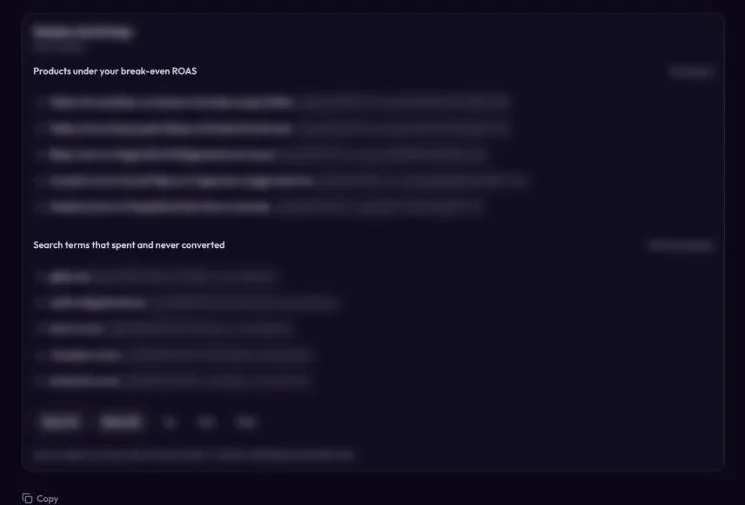
Ask: which search terms and products spent money in the last 30 days and never sold? In Scaley you can tap the Wasters quick check. You see the list right away.
Day 3
Check your tracking
Before you act on anything, check that sales show up in Google Ads. Compare a few days of orders in your store with the conversions in the account. If they do not match, fix that first.
Day 4
Ask what is working
Tap Winners, or ask which products and campaigns made money. Those are the ones to give more budget later.
Day 5
Make one change
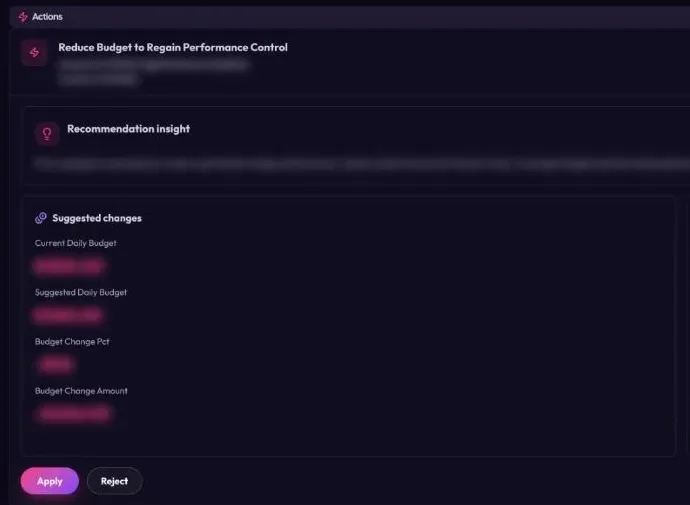
Pick the one change you are most sure about. Often that is a search term that spent a lot and sold nothing. It can also be a budget move. Make it yourself, or approve it in Scaley Suite, where each change waits for your yes on that one line.
Day 6
Write down why
Note yesterday's change, the date and the reason. A good AI gives you the reason with the fix. Keep it, so next week you know what you were testing.
Day 7
Check it a week later
Ask the same question again. Did the waste on that term stop? Did sales hold? If yes, make the next change. If not, undo it and ask why.
What AI Cannot Do in Google Ads Yet
Here is where AI still gets it wrong in the client accounts we run at ZenoX Media, my agency.
- It does not know your margins unless you tell it. A product with a 4x ROAS can still lose money.
- It cannot fix broken tracking. It reads what your tracking reports. Wrong numbers in, wrong advice out.
- It cannot see your supplier or a product going viral somewhere else.
- It is wrong sometimes. That is why every change should wait for a yes.
- It cannot make a bad product profitable.
- Google's own AI chases the goal you set. Set the wrong goal and it chases the wrong thing.
Who Should Run Your Account: You, AI or a Team
Run it yourself with an AI that reads and suggests. That is what we built Scaley for. It reads 262,792 Slack messages and 8,183 voice memos from ZenoX Media, my Google Ads agency: $200M+ in client revenue tracked through our campaigns.
Want people to run it for you? That is what an ecommerce Google Ads agency like ZenoX Media is for. That is my agency, so weigh that. From our own agency work, a retainer for a store account like yours runs $3-8K a month.
Want a person and an AI on the same account? Read how AI PPC management works.
Not sure AI can handle your account at all? Read can AI do my Google Ads first.
Pick Your Rung
Three Scaley levels, one per rung. Every level starts with a 3-day free trial.
Rung 1
Scaley Consultant
A straight answer from a screenshot. Nothing to connect.
$99/mo flat
Rung 2 · Most Popular
Scaley Media Buyer
Reads the live account read-only and answers. It cannot change a setting.
$99/mo + 1% of total ad spend
Rung 3
Scaley Suite
Writes each fix down with the reason. You approve them one by one.
$199/mo + 4% of total ad spend
3-day free trial. Card required. Cancel anytime.
Read next
- What Scaley Media Buyer does
- Using ChatGPT for Google Ads
- The Google Ads MCP server, plainly
- Google Ads AI: what Google's built-in AI does
- Google Ads ROAS benchmarks for ecom
Google's features quoted from its own pages, checked on 2026-11-03: About Smart Bidding, Google Ads Help; About Performance Max campaigns, Google Ads Help; About AI Max for Search campaigns, Google Ads Help; Google Ads MCP server releases (version 0.0.6, out November 2, 2026), GitHub.
Questions People Ask
Yes, with limits. AI is great at reading search terms, spotting waste and suggesting fixes. Google's own AI already sets your bids. Should you let AI run Google Ads with nobody checking? No. Let it read and suggest, and approve each change yourself.
Start on rung 2. Scaley Media Buyer reads your live account and shows you the waste. It never changes a thing.
$99/mo + 1% of total ad spend. 3-day free trial. Card required. Cancel anytime.