10 Reasons Your First Google Ads Get Clicks but No Sales
Check the 5 settings first, and see what to change without connecting a thing.

Read this BEFORE you pay for more clicks!
TLDR: Clicks but no sales on your first Google Ads? Before you blame your product, check your settings. Here are the 10 reasons, starting with the 5 settings to check first. Then see how Scaley Consultant checks each setting from a screenshot, with nothing to connect.
1. Your Ads Reach People Where You Don't Even Ship
"I started 3 days ago with google ads and I'm at 68 clicks ... and 0 conversions, is this bad?" That's someone testing Google Ads, in a YouTube comment. Start here. Google's default location option is Presence or interest. Your ads show to people in the places you target, and to people who only showed interest in them.
Ship to one country, and you can pay for clicks from people who can't order. Open Settings, then Locations, then Location options. Pick Presence if you only sell where you target. Not sure? Paste the screen into Scaley Consultant and ask. Next: is Google even counting your sales?
2. Google May Not Even Be Counting Your Sales
Every sale Google Ads shows you comes from conversion tracking (the code that tells Google a sale happened). If it counts the wrong thing, or nothing, Google's bidding learns from bad data. It's guessing.
You're not the only one who worries about this. 77 ZenoX Media clients asked us this 221 times in all: "Is conversion tracking working correctly?" Run the four checks in Goals, then Conversions. Paste the Conversions page into Scaley Consultant and ask which check fails.
3. Broad Match Buys Searches That Never Sell
Broad match may already be on. It shows your ad for searches Google thinks are related to your keywords. Not all of them are. You still pay for every click.
Open the search terms report. It shows the real words people typed before they clicked. Paste it into Scaley Consultant and it points at the ones that spent and never sold.
4. Search Partners Came Switched On, and You Pay for Them
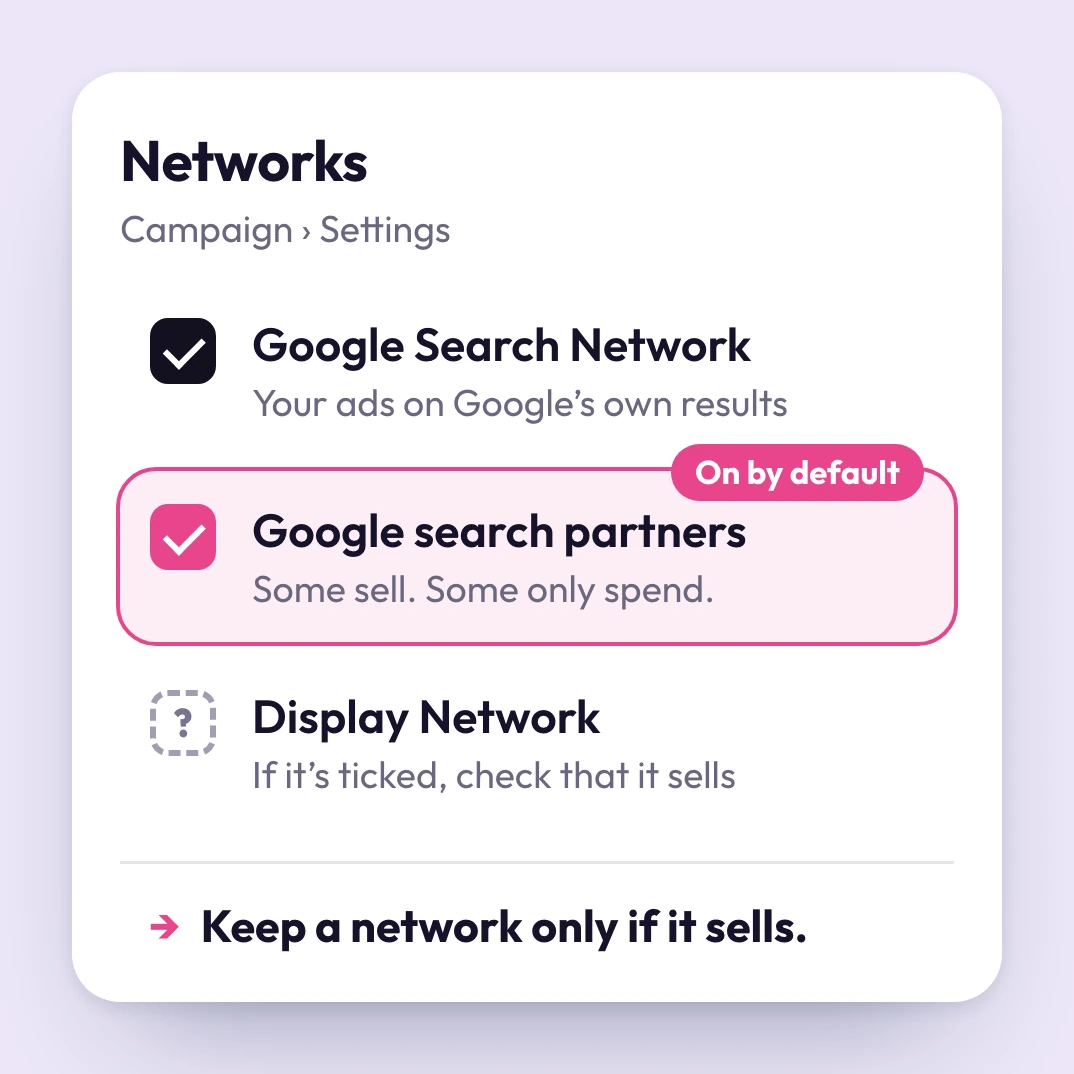
Build a Search campaign and Google adds search partners by default. You pay for those clicks too. If Display is ticked, it can sneak in as well.
You don't need to read the network report like an expert. Paste it into Scaley Consultant and ask which network sells. You get the answer in plain words. If one doesn't sell, untick it under Networks.
5. Google Can Change Your Account for You
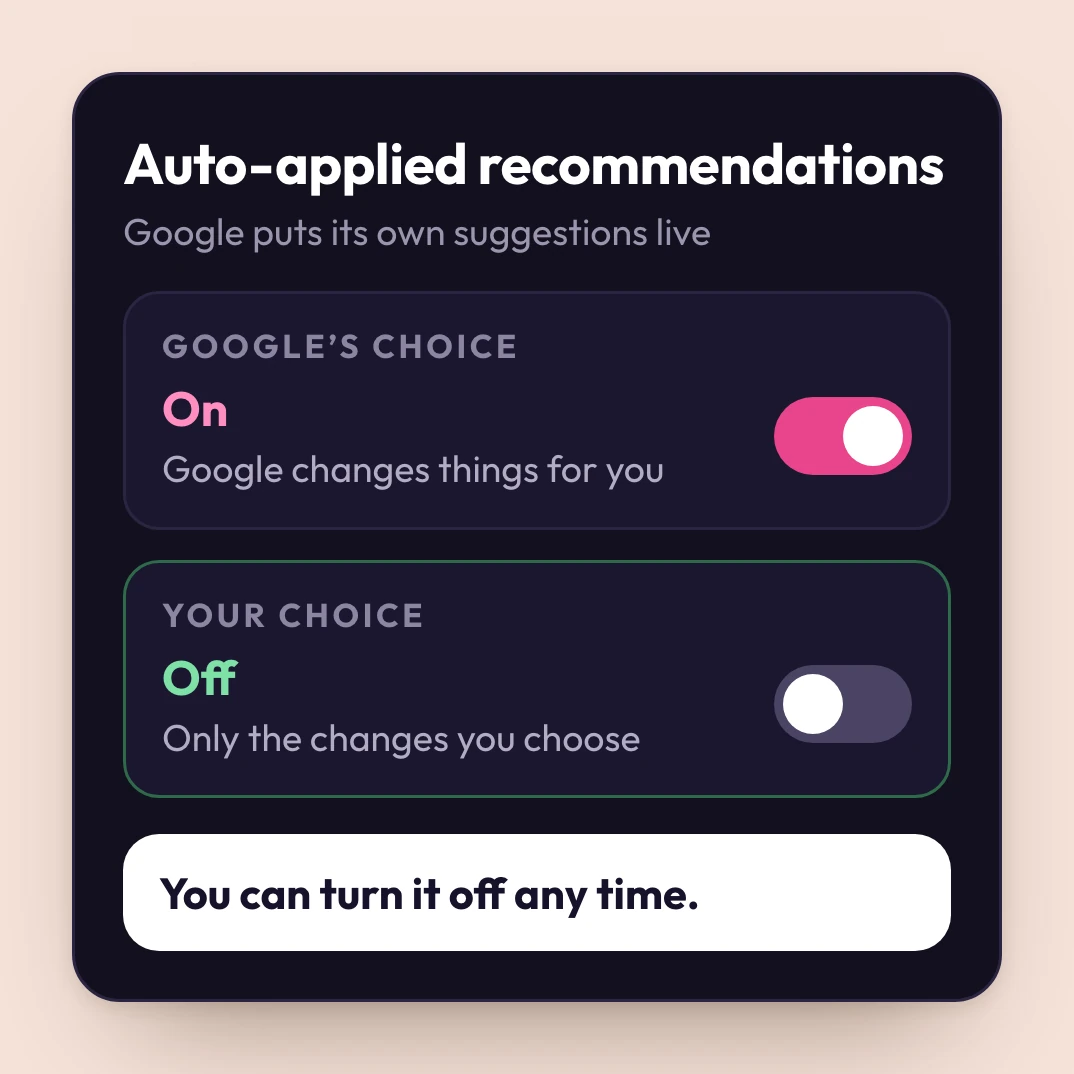
"i think i must have selected that change through the recommendations that come up all the time." That's a store owner on the Shopify forum. With auto-applied recommendations on, Google puts its own suggestions live. Switch off anything you didn't choose.
Not sure which to keep? Paste a screenshot and ask. An expert costs ZenoX Media clients $3,000 to $8,000 a month. Scaley Consultant is $99/mo flat, for help worth $399 a month.
6. Your Questions Sit in Forums for Days
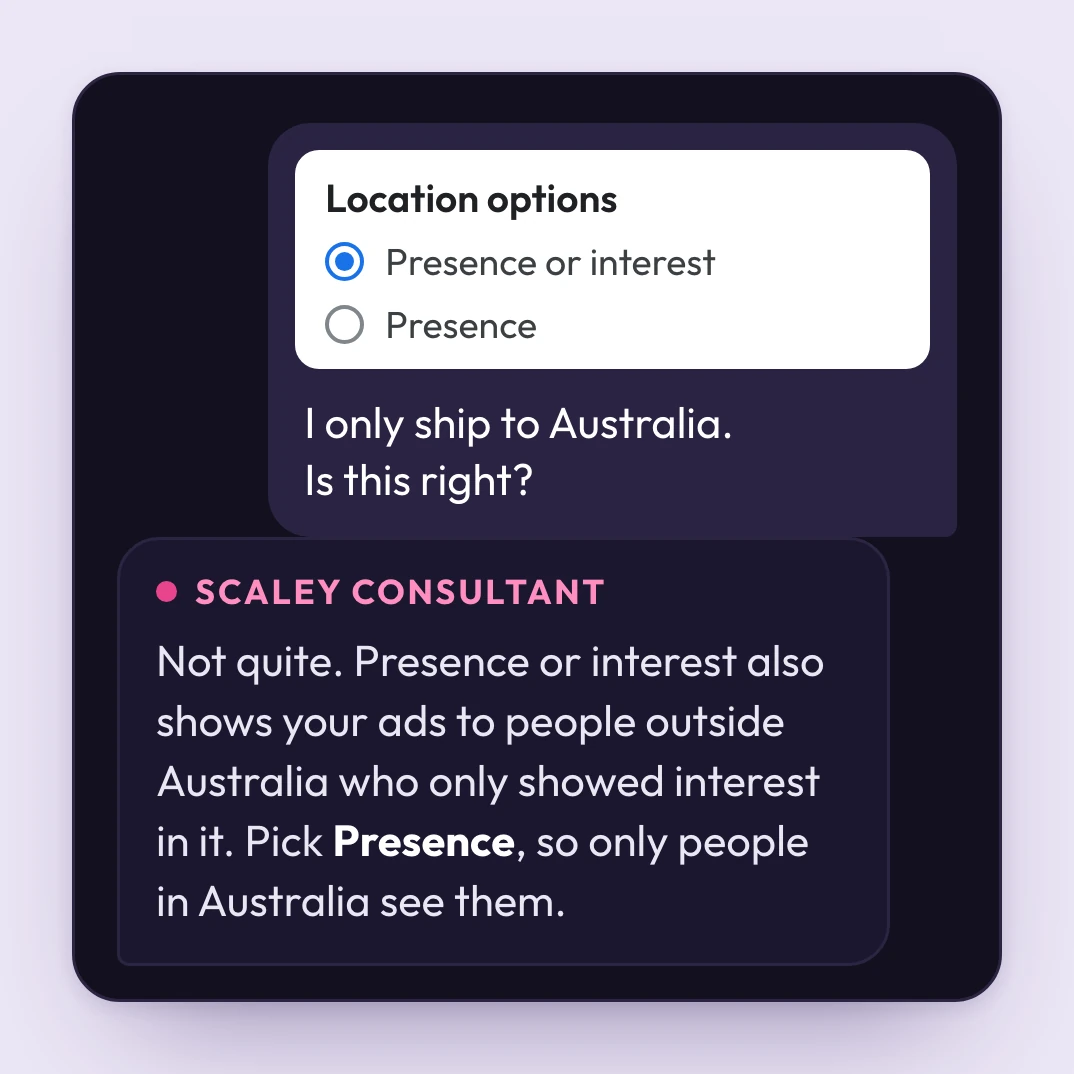
You post in a forum, or hunt for a video about your exact screen. Days go by. Your budget keeps spending.
With Scaley Consultant, you paste the screenshot and ask, any hour. You get one straight answer in plain words, right there.
7. You're Scared to Connect Anything to a New Account
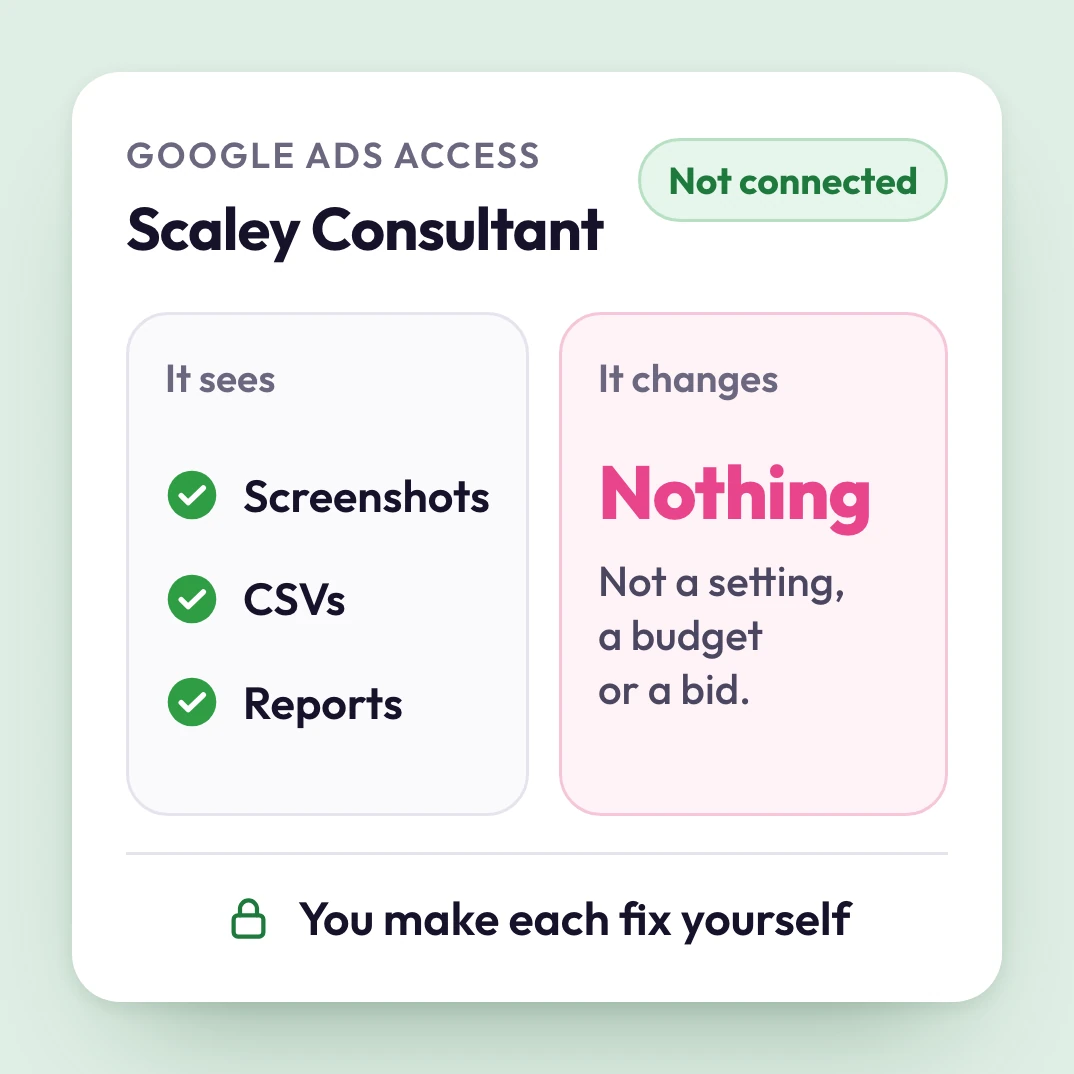
A new account feels fragile. One wrong click, or one app with too much access, and something changes that you never chose.
Scaley Consultant connects to nothing. It only sees the screenshots, CSVs and reports you paste, so it can't change a single setting. You make each fix yourself, in Google Ads.
8. When a Screenshot Isn't Enough, There's Nobody to Ask

Some questions need a real person. A forum can't see your screen. A video can't answer back.
Scaley Consultant comes with a VIP seat in the Google Ads Ecom Lab and my weekly live call. Bring the setting you're stuck on, and ask me live. It comes with your trial.
9. You'd Have to Pay Before You Know It Helps
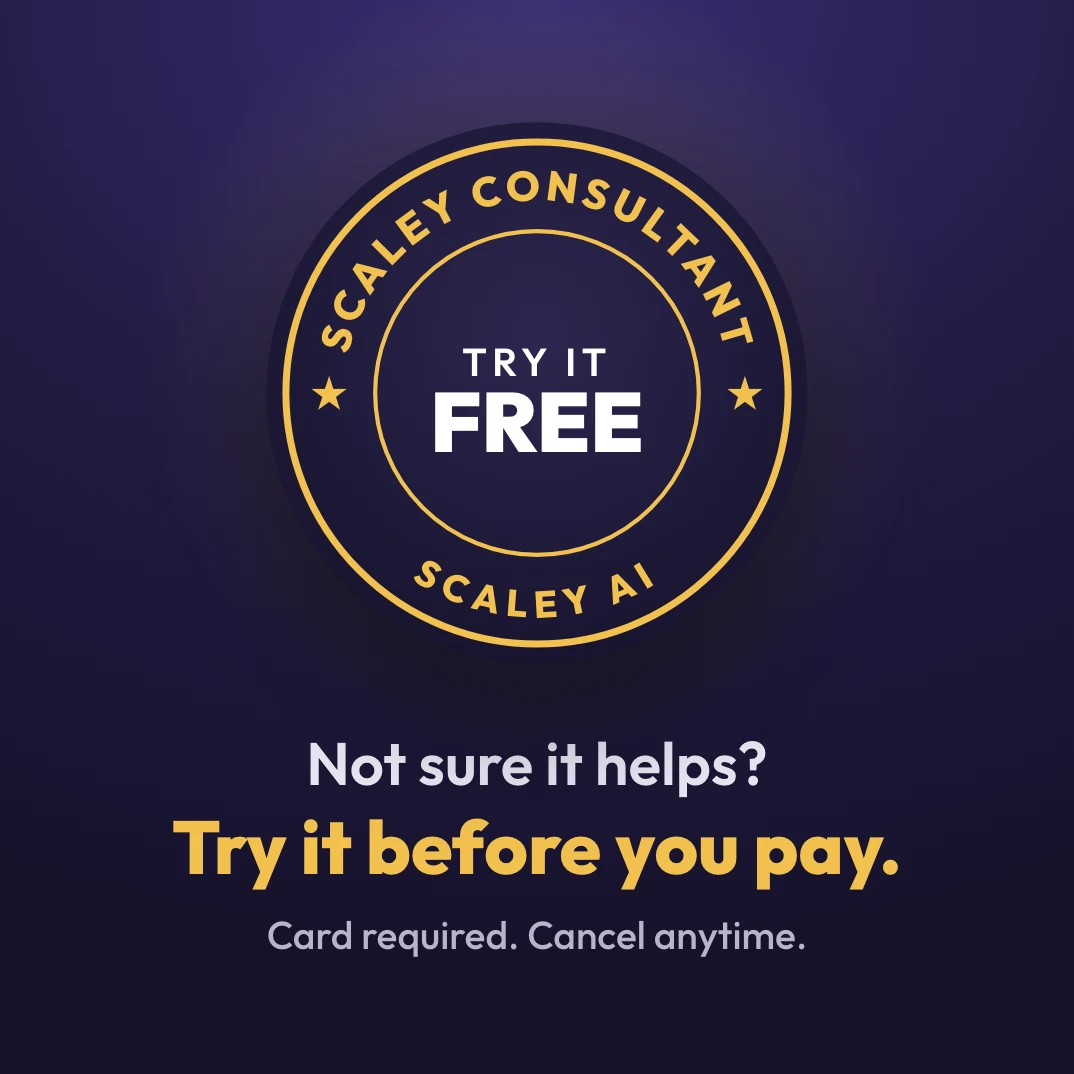
You don't. Try Scaley Consultant free for 3 days. A card is required. Cancel inside the trial and you pay nothing.
Use the trial on your 5 settings. If the answers don't help, cancel. Nothing is connected, so there's nothing to undo.
10. Your Account Never Got a Check from a Team That's Run 400+ Store Accounts
400+store accounts
Scaley Consultant learned the job at ZenoX Media, my Google Ads agency, with $200M+ in client revenue tracked through our campaigns.
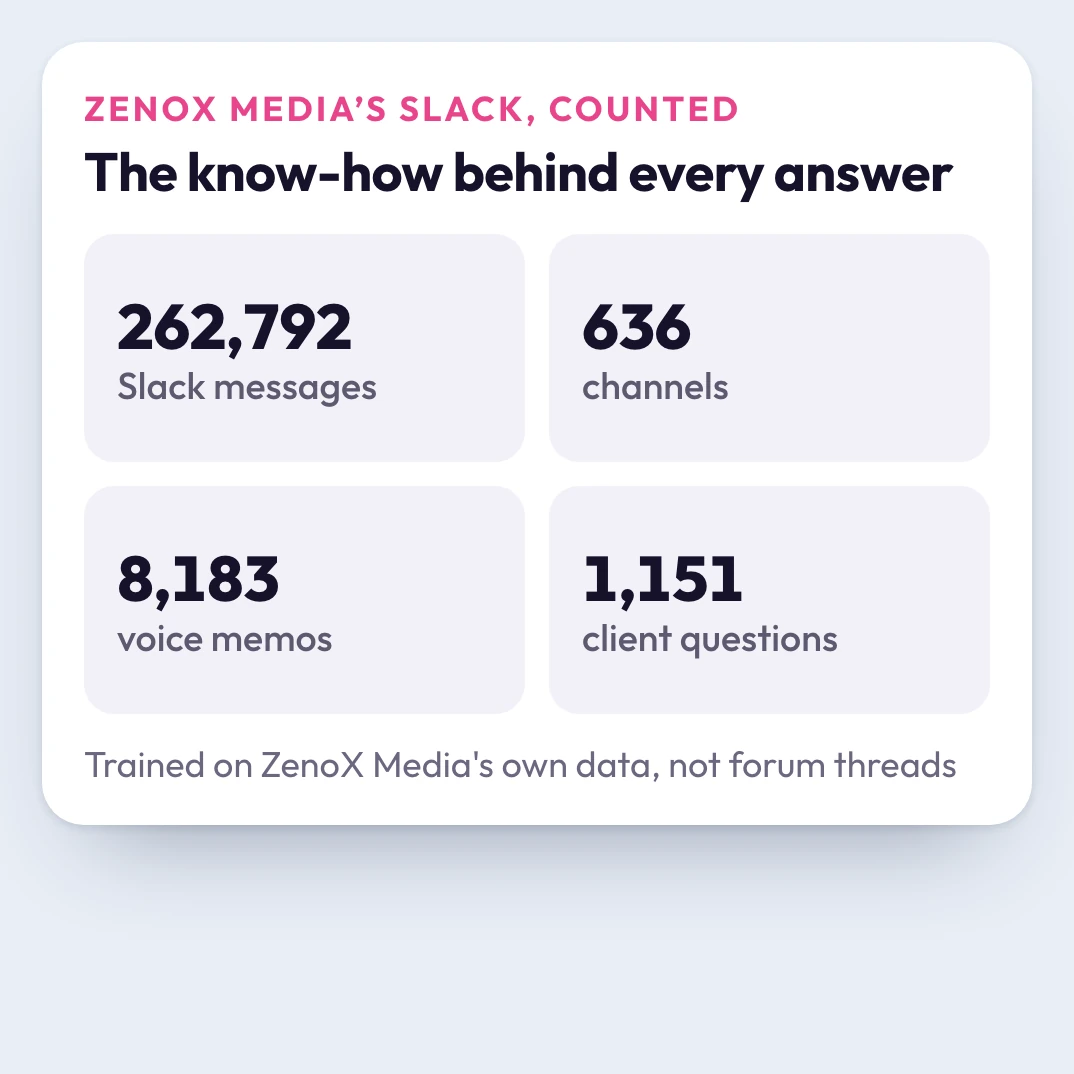
We trained it on 262,792 Slack messages from that team. Now your first account gets that know-how too.
✨ Nothing to Connect ✨
- Changes nothing
- Any hour
- Plain words
🎁 Included with your trial
- Straight answers on any screenshot (one agency hour)$100/mo
- VIP seat in the Google Ads Ecom Lab$299/mo
- Weekly live call with Christopher KrassnigIn VIP
- ZenoX Scaling SOP VaultIn VIP
3-Day Free Trial to Check Your Setup
Total value: $399/mo
After the 3-day free trial, you pay$99/mo flat
You make each fixCancel anytime
Cancel inside the 3-day trial and you pay nothing.
ZenoX Media is a Google Premier Partner, Meta Business Partner and Shopify Partner