10 Things to Check After You Take Google Ads Back, Before It Spends Another Dollar
The login is yours again. Here's where money still leaks, and how to get an expert read on every row without a new retainer.

Read this BEFORE you hire anyone new to run your Google Ads!

TLDR: You took your Google Ads back, so every dollar it spends is yours to watch. Here are the 10 things to check, from the search terms and products that spent and never sold to who still has the keys to your account. Then how Scaley Media Buyer reads every row for you without changing a setting.
1. Search Terms That Spent and Never Sold
Start where the money leaves fastest. Open the search terms report and sort by cost. These are the words people typed right before they clicked your ad. Plenty of them look right and never buy. Here are this demo store's top four by cost. When did anyone last read yours?
2. Products Spending under Your Goal ROAS
On Shopping and Performance Max, a few products can take most of the spend. Open the Products report, pick the last 30 days and sort by cost. Look for products with a ROAS under your Goal ROAS. Some sell nothing at all, like the last one here. Google keeps showing them because people click. But clicks aren't orders.
3. The Rows Hiding Behind the Monthly Totals
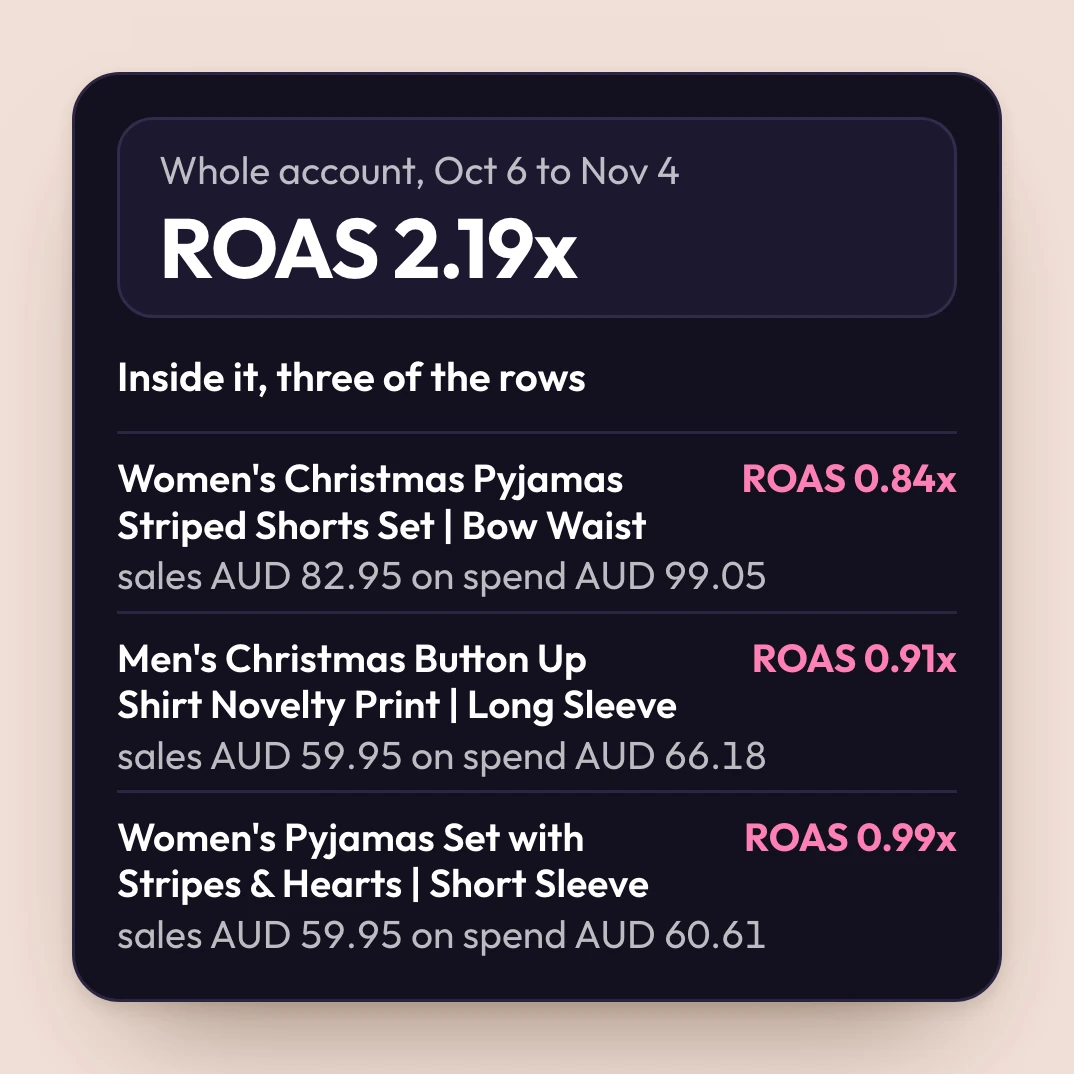
Most monthly reports show the totals: spend, sales and ROAS for the whole account. A total can look healthy while rows inside it lose money. This demo store's total looks fine. Three of its own products sold less than they cost.
So skip the overview and open the rows. Or ask Scaley Media Buyer, and it reads them for you, straight from your live account.
4. Which Rows Are Waste and Which Need More Time
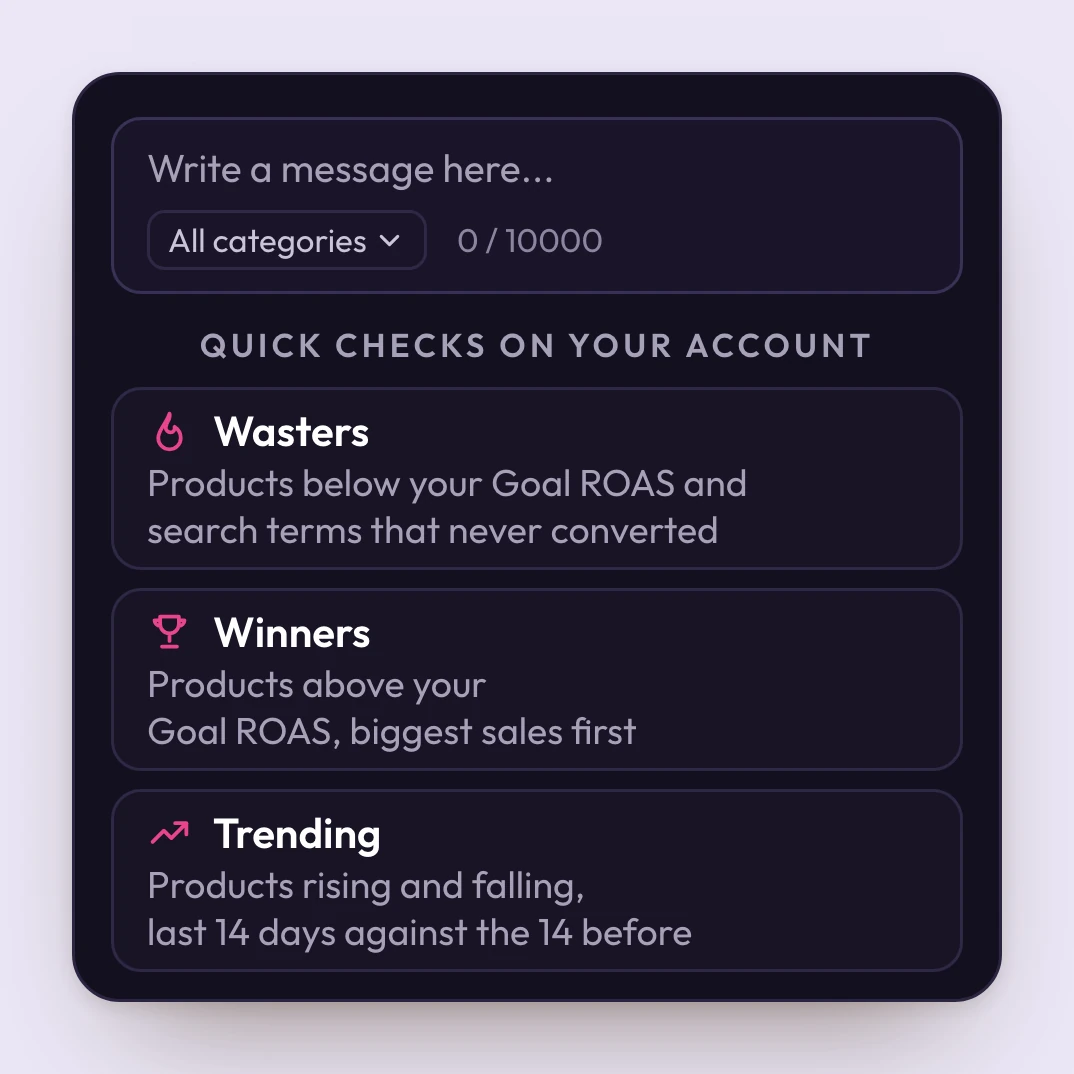
Finding a term with no sales is the easy part. Knowing if it has spent enough to call it waste is the hard part. Cut too soon and you lose a product that was about to sell. Wait too long and it keeps spending.
Tap Wasters and it lists the products below your Goal ROAS and the search terms that never sold. Ask about any row, and it tells you why it's waste or why it needs more time.
5. Small Leaks That Add Up Every Week
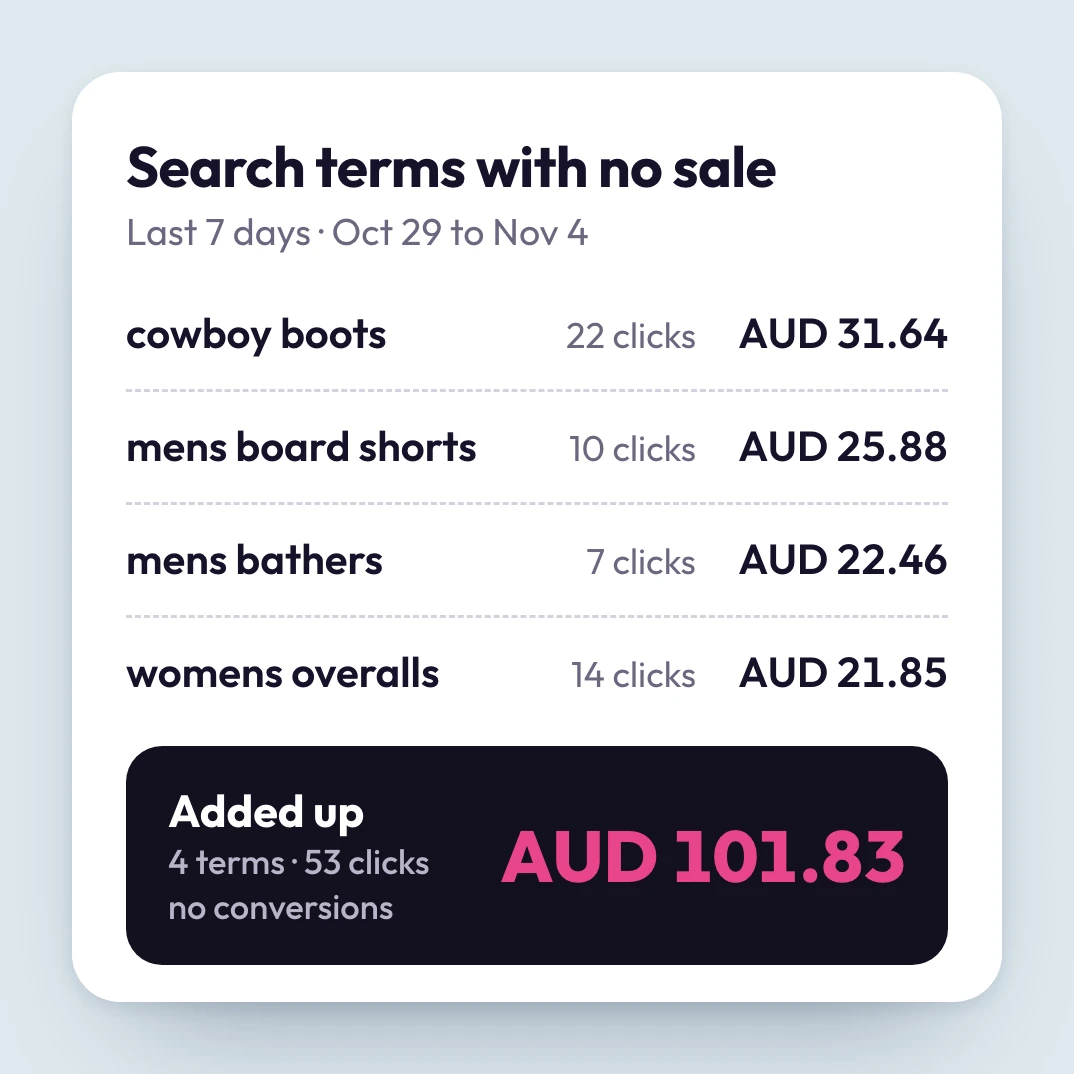
One search term with a few clicks and no sale looks too small to bother with. Add up one week, like this demo store's top four, and it's real money. Next week they're back. Ask Scaley Media Buyer what your leaks cost, and it adds them up.
ZenoX Media clients pay $3,000 to $8,000 a month for us to run the account. At $5K a month in total ad spend, Scaley Media Buyer costs $149 a month, about $5 a day. Leak Guarantee: any month we show you less waste than your bill, we refund it. More on that in item 9.
6. Who Answers Your Questions Now
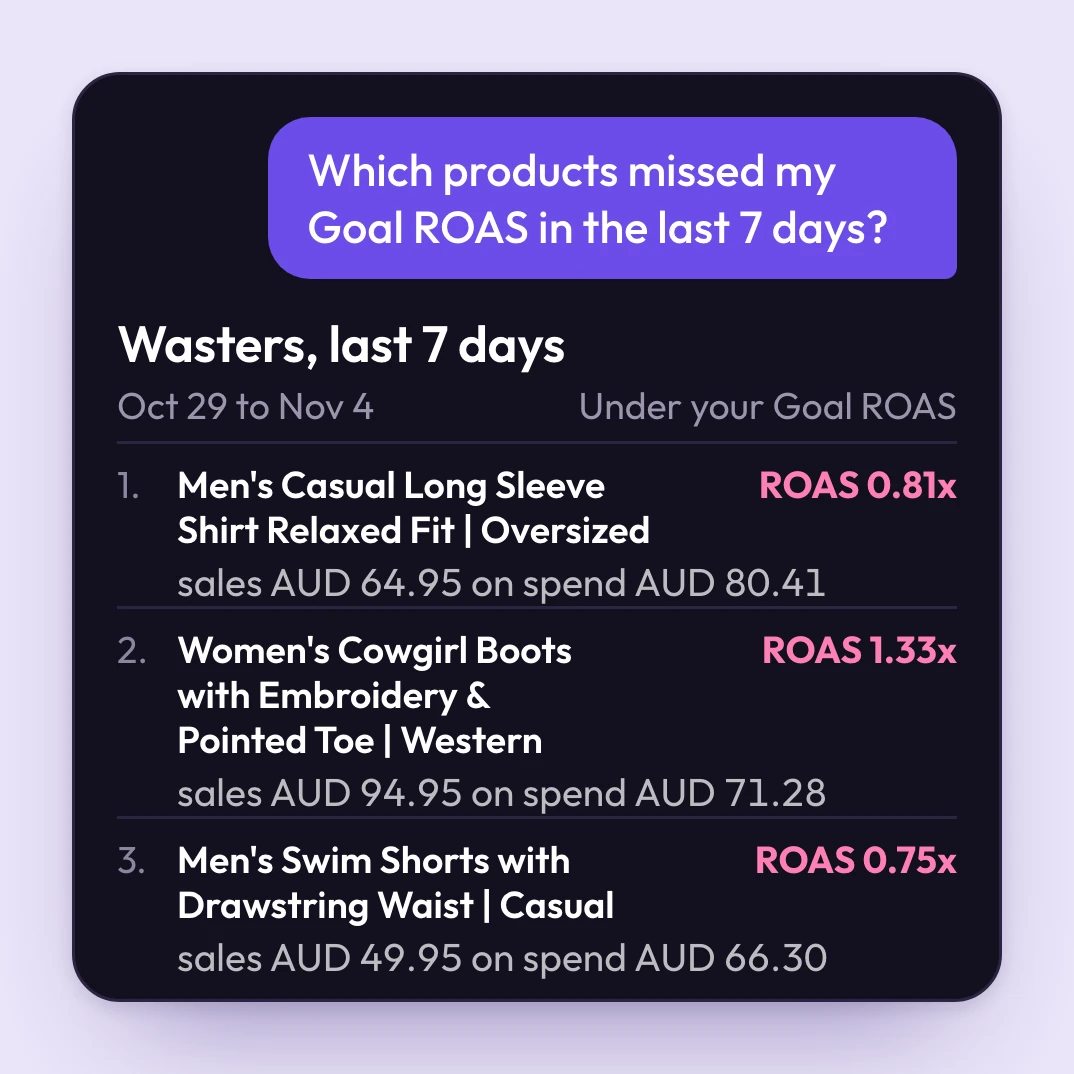
With the account back, the questions are yours too. Which product is wasting money right now? What did last week's wasters cost? You used to email and wait days for the answer. Now there's nobody to email.
With Scaley Media Buyer, there's no wait. Ask any hour. It answers from the live account, in plain words.
7. Who Still Has the Keys to Your Account
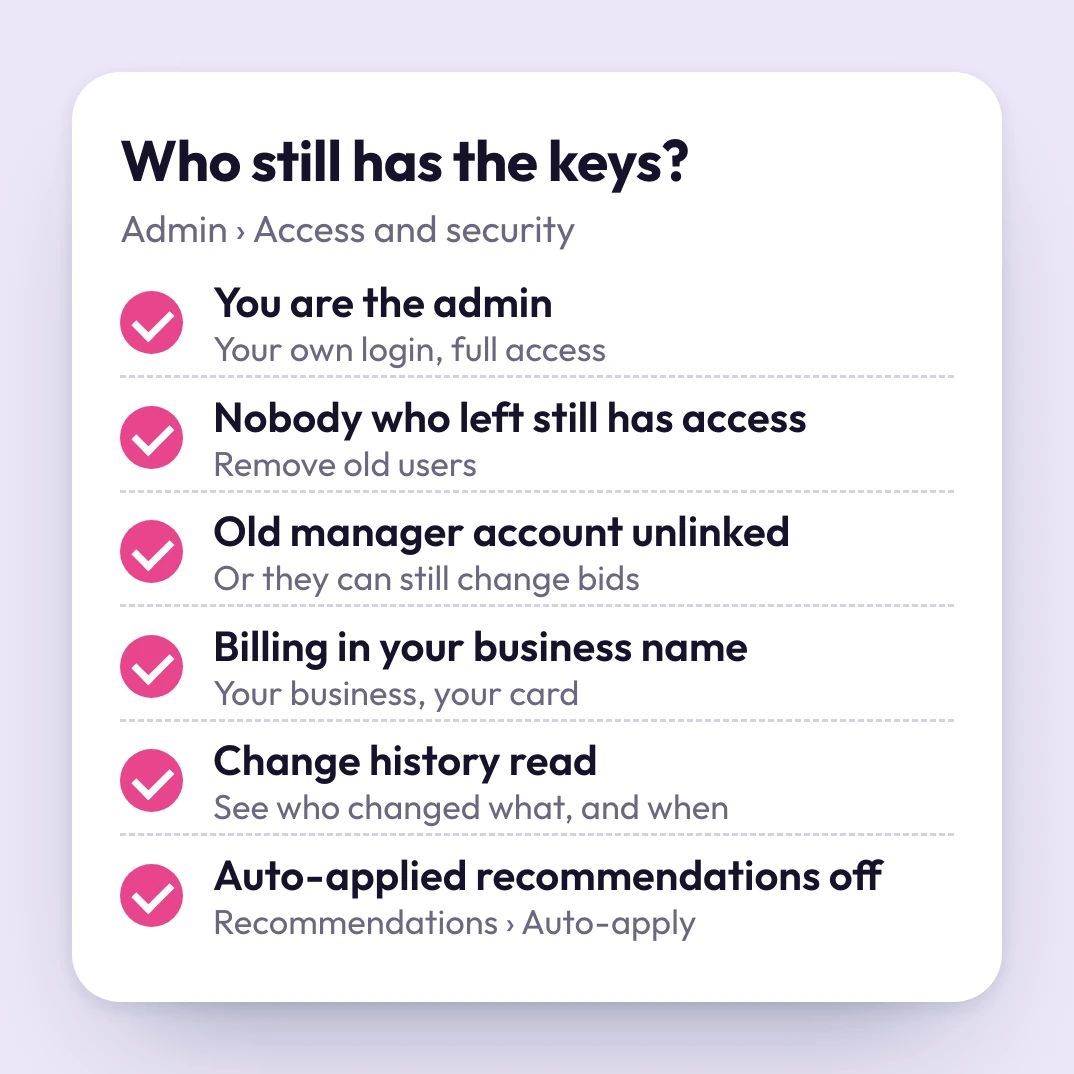
In Google Ads, open Admin, then "Access and security". You should be the admin. Remove anyone who no longer works on it and unlink the old manager account, or they can still change bids and budgets. Put the billing in your business name. Then read the change history, and switch off auto-applied recommendations, so only the changes you choose go live.
Scaley Media Buyer only reads. It can't change a setting, so it never adds a line to that history. Every change stays yours.
8. Whether Every Sale Is Still Counted
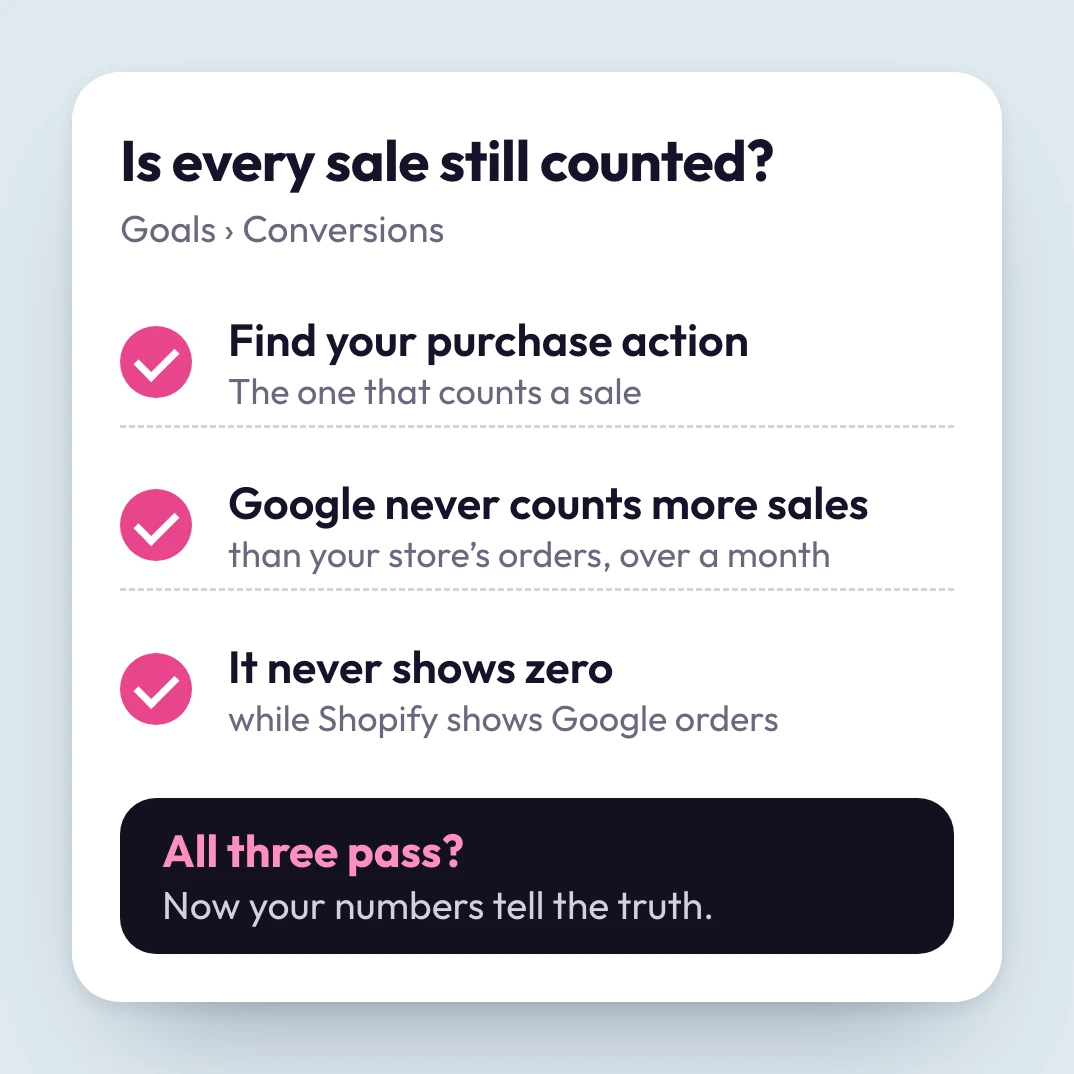
Google can only spend well if it sees your sales. Open Conversions and find your purchase action. Over a month, Google's count should never beat your store's orders. If it does, a sale counts twice. If it shows zero while Shopify shows Google orders, tracking is broken. Get this wrong, and every other number on this list is wrong too.
Stuck on a fix like this? Bring it to the weekly live call with Christopher Krassnig. It comes with your trial.
9. Who Pays When Leaks Slip Through
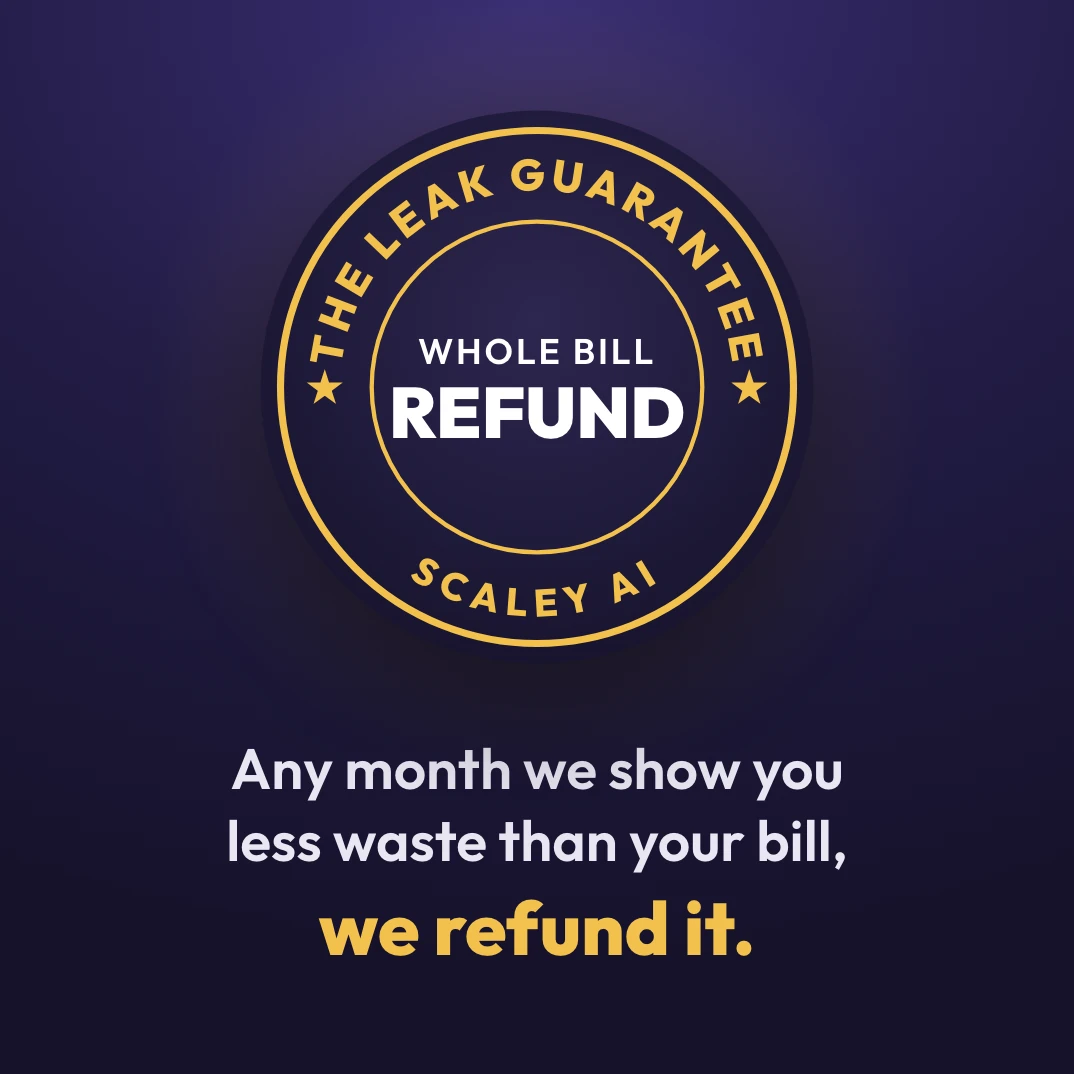
The agency that wasn't doing the job got paid every month, leaks or no leaks. So we put our own bill on the line instead.
Every month, if the wasted ad spend Scaley shows you is smaller than that month's bill, we refund the whole bill (read the conditions). And you start on a 3-day free trial, card required.
10. Whether an Expert Has Ever Read Your Rows
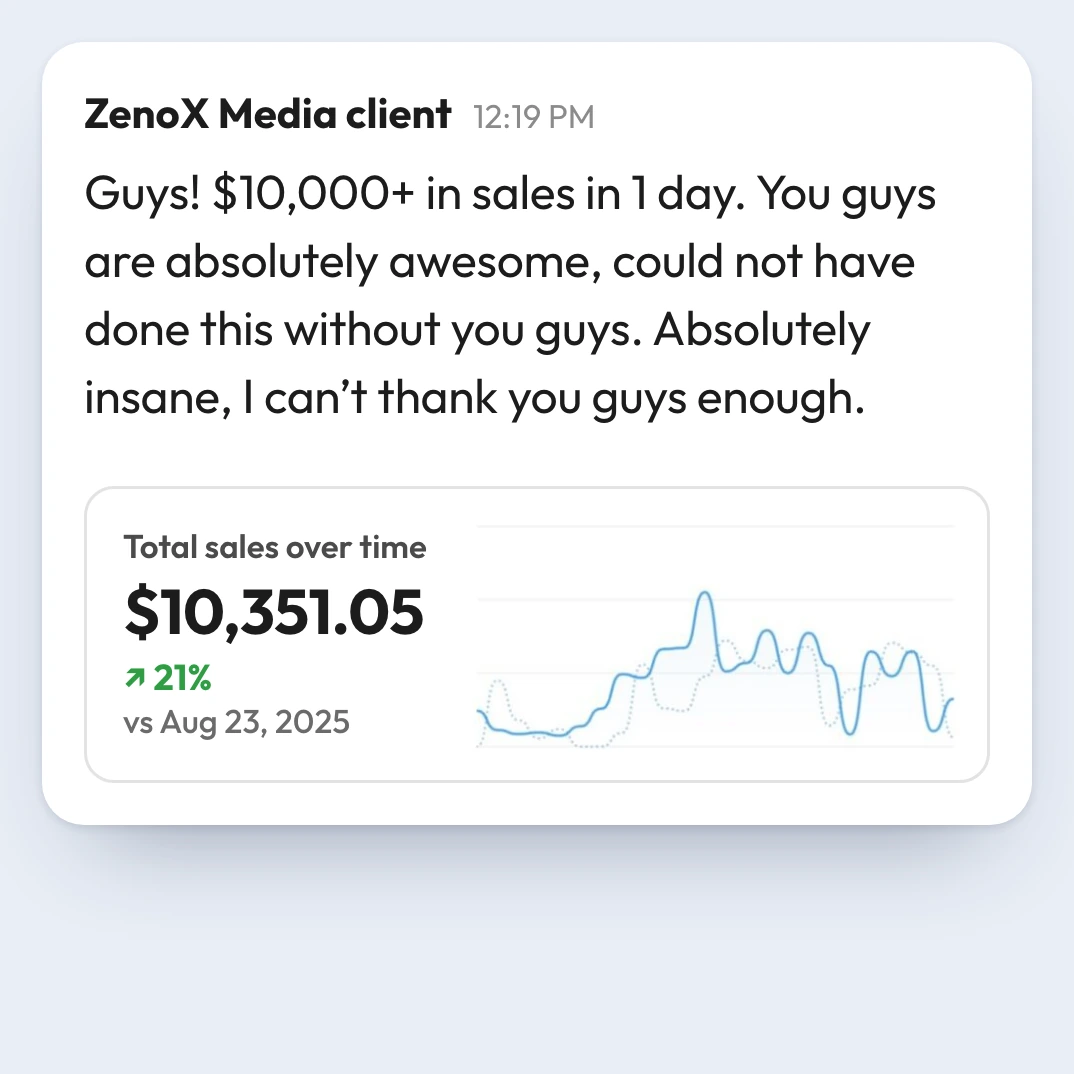
400+store accounts
Scaley Media Buyer learned the job at ZenoX Media, my Google Ads agency, with $200M+ in client revenue tracked through our campaigns.
We trained it on 262,792 Slack messages and 8,183 voice memos from the team that ran those accounts. Now it reads your rows with everything that team learned, and the login stays yours.
✨ Leak Guarantee Included ✨
- Read-only
- Any hour
- Plain words
🎁 Included with your trial
- Scaley Media Buyer reads your live account$433/mo
- Scaley Consultant: answers on any screenshot$99/mo
- VIP seat in the Google Ads Ecom Lab$299/mo
- Weekly live call with Christopher KrassnigIn VIP
- ZenoX Scaling SOP VaultIn VIP
- The Leak GuaranteeIncluded
3-Day Free Trial to Find Your Leaks
Total value: $831/mo
At $5K a month in total ad spend, you pay$149/mo
Read-only accessCancel anytime
Leak Guarantee: any month we show you less waste than your bill, we refund it.
ZenoX Media is a Google Premier Partner, Meta Business Partner and Shopify Partner